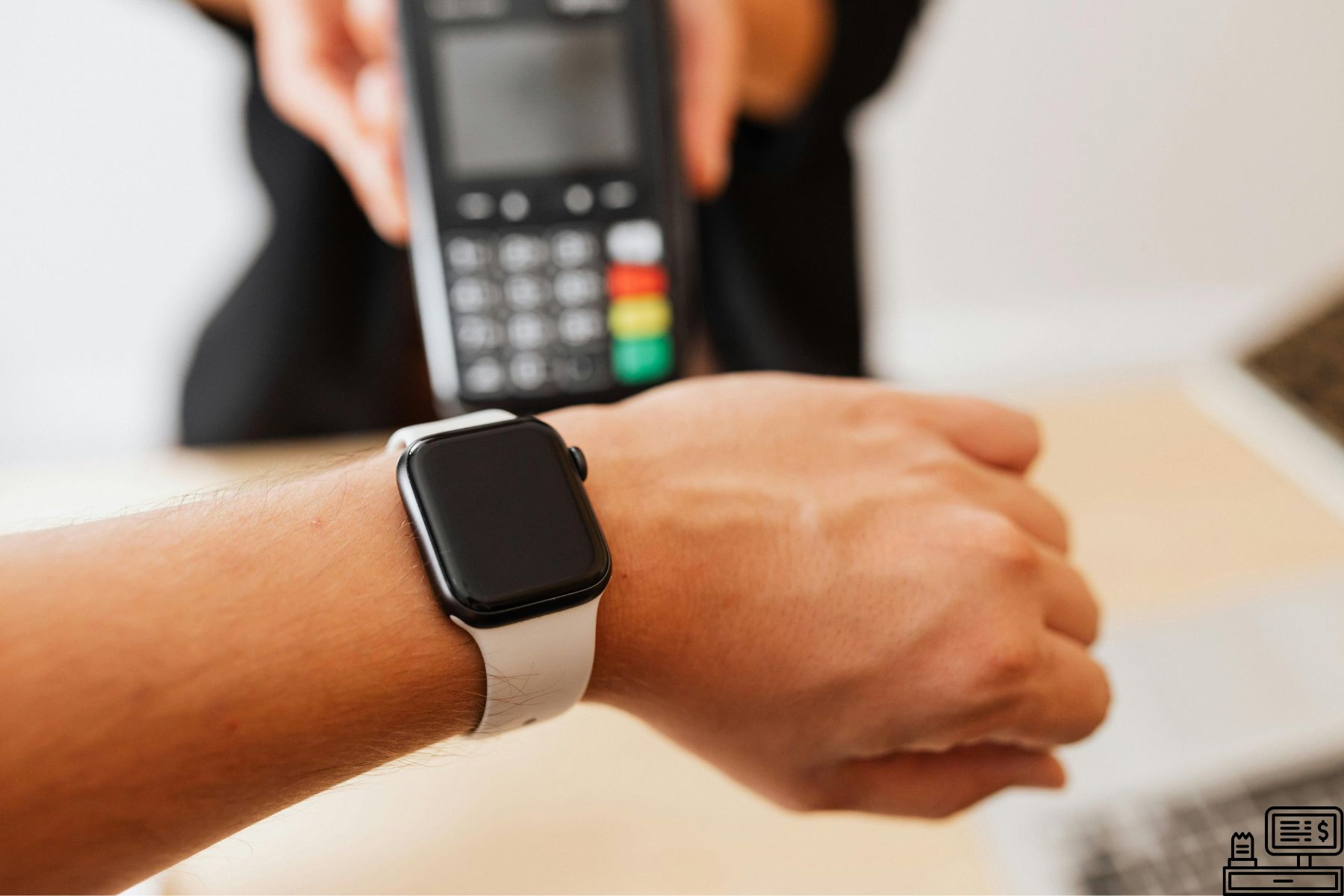
Have you ever checked your bank statement and seen a strange line that says "PIN Purchase 12 POS"? If yes, you're not alone. Many debit card users get confused when unknown transaction codes appear on their statements. Understanding what these codes mean can help you avoid panic, fraud disputes, or unnecessary customer support calls.
This article explains what is PIN Purchase 12 POS, why it shows up, what it means for your debit card, and how to identify legitimate versus suspicious transactions.
What Is a PIN Purchase 12 POS?
A PIN Purchase 12 POS refers to a transaction made at a Point of Sale (POS) terminal using your debit card and entering your Personal Identification Number (PIN). The number "12" is a system-generated code banks use to categorize the type of purchase and how it was processed.
In simple terms:
PIN Purchase 12 POS = You used your debit card physically somewhere and entered your PIN during checkout.
What Does PIN Purchase 12 POS Mean?
When you see PIN Purchase 12 POS on your bank or card statement, it means:
The transaction happened in person, not online.
You inserted, swiped, or tapped your debit card at a POS machine.
You entered your PIN to approve the charge.
The merchant used a POS system to process the payment.
Supermarkets, gas stations, drugstores, and retail shops usually fall under this category.
Why Does the Number "12" Matter?
The 12 isn't random. It’s a merchant category code that banks use internally. It helps:
Identify where and how the transaction was processed
Differentiate a PIN-based purchase from other types such as:
Signature POS purchase
Contactless transactions
E-commerce purchases
ATM withdrawals
You’ll also see similar codes like:
POS Purchase P13URL
Online or browser-based point of sale purchase
POS Adjustment CR
Credit adjustment or refund at a POS terminal
POS Withdrawal
Cash withdrawal made at a retail POS register
Other Codes Related to PIN Purchase 12 POS
1. What Is a Pin Purchase 12 POS Debit Card?
This means the charge was done using your debit card, not a credit card. The funds were taken directly from your bank account after PIN entry.
2. POS Purchase P13URL
This appears when a transaction originates online or through an app rather than at a physical terminal.
3. POS Adjustment
A POS adjustment happens when a merchant corrects an overcharge or adds missing tax or fees.
4. POS Adjustment CR
The CR stands for credit you received money back.
5. IPC POS Debit Meaning
This refers to a debit transaction initiated via an Integrated Payment Controller (used by some retail systems).
6. 12 POS Charge
This is the same code but may appear without the word purchase in some bank statements.
Why Do These Transactions Confuse People?
Most users expect their statements to show the store’s name. Instead, banks sometimes replace it with transaction codes. This causes panic, especially when:
A store uses multiple registered merchant IDs
A purchase was made days earlier
You forgot about the transaction
The bank abbreviated the merchant name
If you shop at the same grocery store regularly, but it appears differently on your statement, confusion is guaranteed.
Is PIN Purchase 12 POS Fraud?
Not always.
A PIN Purchase 12 POS is usually a normal transaction. However, be alert if:
You don’t recognize the date, amount, or merchant.
Multiple small charges repeat from unknown locations.
You haven’t used your card in days.
The transaction occurred in a different city or country
If any of these apply, contact your bank immediately.
Real-Life Scenarios
Scenario 1: The Gas Station Mystery
Hassan filled his car at a fuel station in Karachi. Later, his statement showed PIN Purchase 12 POS – Fuel M12. He thought he was charged twice. In reality, one was the temporary pre-fuel authorization, and the other was the actual charge.
Scenario 2: The Grocery Store Code
Sarah visited a supermarket but her statement didn’t show the store’s name. Instead, it displayed 12 POS Charge. She assumed it was fraud until customer service explained it was that day’s grocery purchase.
Scenario 3: Unexpected POS Adjustment CR
Ali returned a phone cable and got a refund. His statement showed POS Adjustment CR instead of the store name. He thought it was a charge reversal error, not a credit.
These examples show how confusing terminology can be, even when the transactions are legitimate.
Should You Worry About PIN Purchase 12 POS?
Not automatically. To decide whether it's safe:
Check this list:
Do you recall using your debit card at a physical store?
Did you enter your PIN?
Is the amount correct?
Does the date match your activity?
If yes, it's normal. If not, verify with your bank.
What About PIN Purchase 12 POS KeyBank?
KeyBank, like other banks, uses this same code for PIN-based debit purchases. The format is identical:
PIN PURCHASE 12 POS KEYBANK
It simply reflects their processing system. Nothing else changes.
How to Avoid Confusion in the Future
Keep digital receipts
Enable banking alerts
Use banking apps to categorize expenses
Review transaction labels regularly
Businesses using advanced payment platforms, like those built by OhadTech, can customize transaction identifiers to reduce customer confusion. Visit ohadtech.com to explore POS integrations designed to simplify payment experiences.
Point of Sale Withdrawal Explained
A point of sale withdrawal means you used your debit card at a retail counter to get cash back. The cashier gives you cash, and the transaction shows on your bank statement like an ATM withdrawal except it happened at a checkout register.
How Do I Find Out Where my Retail POS Transaction Comes From?
Check the transaction details in your banking app for merchant codes and timestamps. If unclear, call your bank they can trace the exact store linked to the POS charge.
Final Thoughts
Now, you understand what PIN Purchase 12 POS really means. It’s simply a record that you used your debit card at a POS terminal and approved the transaction with a PIN. While these codes look strange, most are legitimate. Just compare the time, merchant, and amount with your purchases. If something doesn’t match, contact your bank without delay.
As POS systems evolve, more transaction codes will appear. Knowing what they represent helps you read your statements confidently and protect your money.