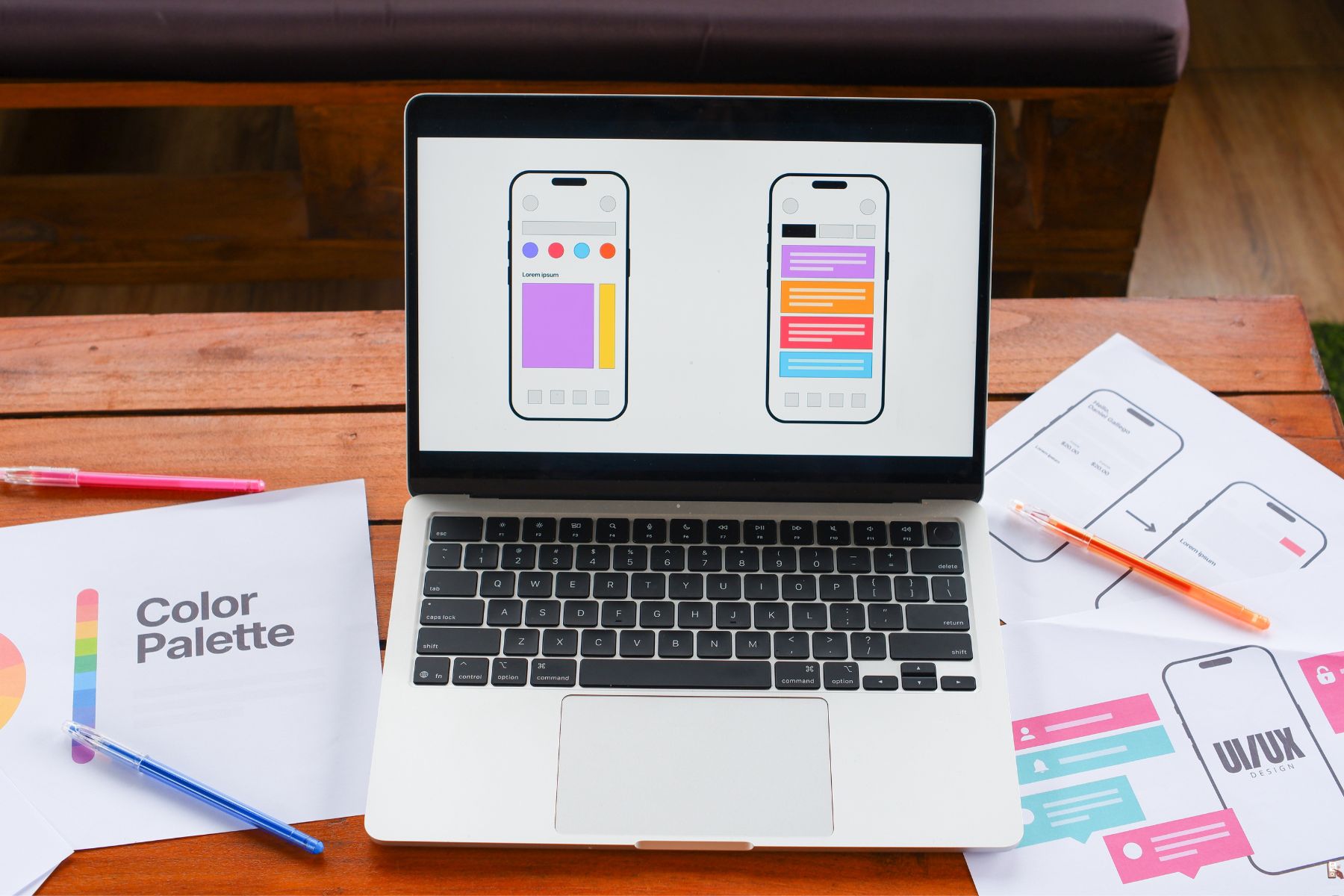
Mobile apps have become a core part of how people work, shop, learn, and interact. Businesses now rely on apps to reach customers, streamline internal operations, and build brand loyalty. If you are planning to invest in mobile app development, understanding the types of mobile apps and how they function is essential before you start.
This guide breaks down the types of mobile apps, how they differ, the purpose each category serves, and what you should consider when choosing the right one for your business.
Why Understanding Mobile App Types Matters
Every app is built with a purpose. The technology, user interface, development framework, and performance requirements vary depending on the app category. Choosing the wrong type can lead to:
- Higher development costs
- Performance issues
- Poor user adoption
- Compatibility challenges across devices
Understanding different types of mobile apps allows you to make informed decisions that align with your business goals and user expectations.
How Many Types of Mobile Apps Are There?
There is no universal number, but most experts categorize apps into three core development types and eight functional categories. The core development types define how the app is built, while functional categories define what the app does.
Let’s break them down step by step.
Core Types of Mobile App Development
These categories define how the app is created, deployed, and optimized across platforms.
1. Native Mobile Apps
Native apps are built specifically for one operating system—Android or iOS. They use platform-specific programming languages:
- Swift or Objective-C for iOS
- Kotlin or Java for Android
Best for: High-performance apps such as gaming, finance, real-time streaming, health-tracking, and GPS-based apps.
Pros:
- Fast performance
- Full access to device hardware
- Excellent user experience
Cons:
- Higher cost if building for both platforms
- Longer development timeline
2. Web Apps
Web apps run in mobile browsers, similar to responsive websites. They don’t require installation from app stores.
Best for: E-commerce, content platforms, and services where updates must roll out quickly without store approvals.
Pros:
- Lower development cost
- Runs on all devices via browsers
- Easy updates
Cons:
- Limited device features access
- Dependent on internet connectivity
3. Hybrid Mobile Apps
Hybrid apps combine web and native technologies. Developers write code once and deploy it across platforms.
Popular frameworks include:
- React Native
- Flutter
- Ionic
- Xamarin
Best for: Startups, SMBs, and apps that need a broader audience without doubling development cost.
Pros:
- Faster development
- Cost-efficient
- Works on multiple devices
Cons:
- Performance can be slower than native apps
These three categories form the foundation of types of mobile app development. Now, let’s explore functional categories that define what apps actually do.
Functional Types of Mobile Apps
These app categories are based on user needs, business goals, and device interaction.
1. Social Media Apps
These apps allow users to connect, share, and communicate. Market leaders include Facebook, Instagram, Snapchat, and TikTok.
Why businesses build social apps:
- Community engagement
- Influencer-driven marketing
- Monetization via ads and subscriptions
2. E-commerce Apps
Online shopping apps allow users to buy and sell products. Amazon, Daraz, and Walmart lead this space.
Key features:
- Secure payments
- Product catalog
- AI-driven recommendations
Perfect for businesses aiming to sell products without depending solely on a website.
3. Entertainment & Streaming Apps
Apps like Netflix, Spotify, and YouTube deliver multimedia experiences.
Who should build them? Brands offering media content, entertainment portals, music labels, and OTT platforms.
4. Game & AR/VR Apps
Gaming apps are among the most profitable types of mobile phone apps.
AR/VR apps transform real-world interactions, such as Pokémon GO or interior design previews.
Ideal for: Gaming studios, real estate businesses, and immersive experience brands.
5. Utility Apps
These apps solve everyday problems, such as:
- Calculators
- Flashlights
- File managers
- Currency converters
Utility apps have a high usage frequency and support other software systems.
6. Educational & E-Learning Apps
Apps like Duolingo and Coursera make learning accessible and personalized.
Businesses use them for: Employee training, student learning, certification platforms, and knowledge bases.
7. Productivity Apps
These include task managers, CRM clients, note apps, and communication tools such as Slack, Trello, and Google Docs.
Why they matter: They replace manual processes and deliver measurable business efficiency.
8. Health & Fitness Apps
Wearables and mobile sensors help track physical activity, calorie consumption, and sleep cycles.
Ideal for: Gyms, wellness brands, therapists, and healthcare providers.
Types of Mobile App Design
Design style impacts how users perceive and use your app. The popular design types include:
- Flat UI Design – Minimal and clean
- Material Design – Google’s design language for Android
- Human Interface Guidelines (HIG) – Apple’s UX standards
- Neumorphism – Modern 3D-style interface
- Skeuomorphic Design – Mimics real-world objects
Choosing the right type of mobile app design ensures user delight and reduces abandonment rates.
Types of Mobile App Testing
Testing ensures your app works correctly, remains secure, and performs under various conditions.
Common testing types include:
Functional Testing
Validates app features
UI/UX Testing
Ensures design and usability
Performance Testing
Checks speed & stability
Security Testing
Protects user data
Compatibility Testing
Works on different devices
Localization Testing
Supports regions and languages
Regression Testing
Ensures updates don’t break features
Understanding these types of mobile app testing helps reduce costly failures after launch.
Types of Mobile Apps DevicesDifferent devices support different experiences. Apps can be built for:
- Smartphones
- Tablets
- Smartwatches
- Smart TVs
- IoT devices
- AR glasses
- Automotive dashboards
Each device demands unique user interaction patterns.
Which Type of Mobile App Should You Choose?
Consider:
Business goals
Target audience
Budget and timeline
Required device features
Expected app performance
The wrong choice leads to wasted resources. The right decision gives your brand a digital asset that drives growth.
All Types of Mobile Apps - Conclusion
There are many types of mobile apps, each offering its own development style, design approach, and testing needs. Whether you're launching an e-commerce platform, a productivity tool, or a social app, understanding all types of mobile apps helps you select the model that aligns with your customer expectations and business strategy.
Mobile app adoption continues to rise every year. Companies that choose correctly not only stay relevant, they outperform competitors who ignore the opportunities mobile platforms offer.
If you are planning to build or upgrade your mobile application, now is the time to define your direction clearly.